內容中心-提示與技巧
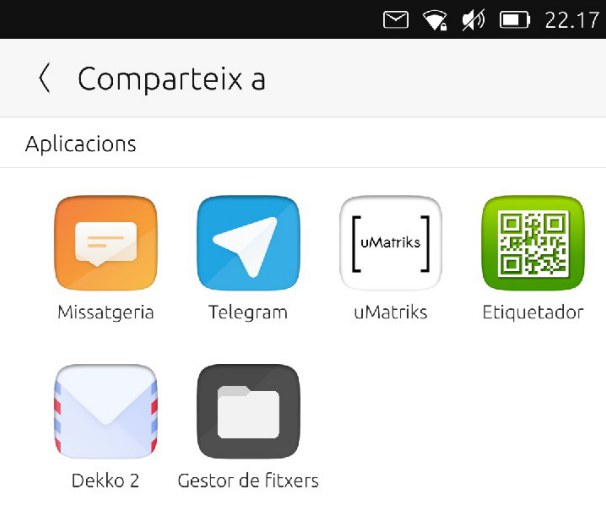
內容中心分享頁面
在 Ubuntu Touch 的應用程式是有限的。它們之間共用檔的方式是透過內容中心來負責檔案導入、匯出和共用的系統的一部分。
共用內容的不同方式
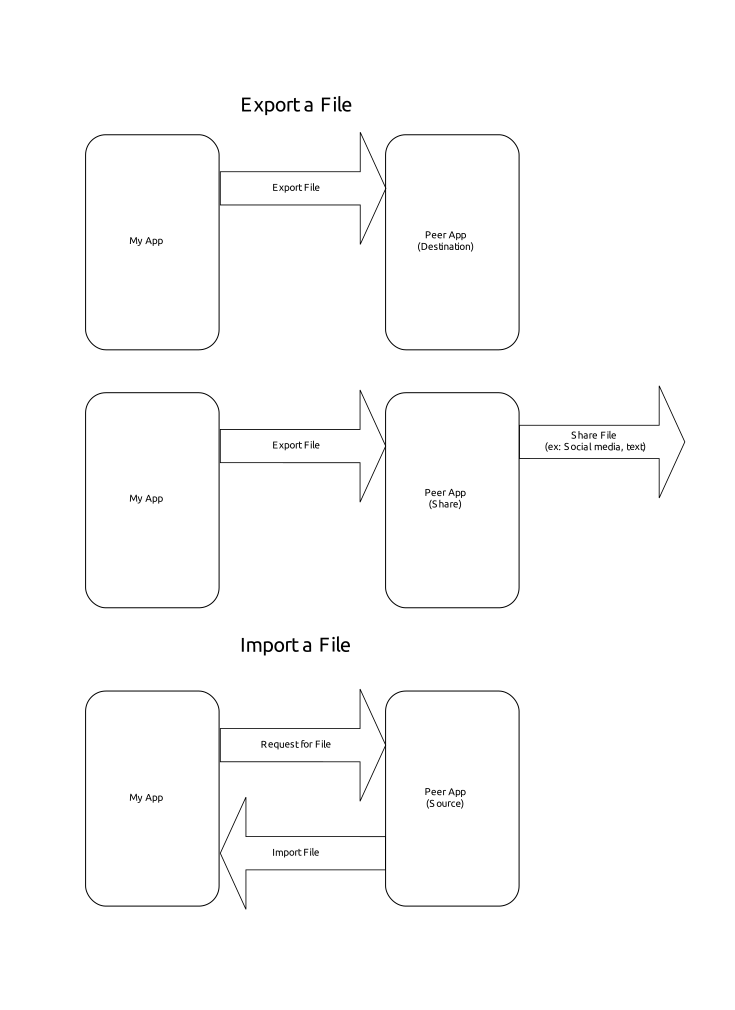
正如我們在 「內容中心文檔 <https://api-docs.ubports.com/sdk/apps/qml/Ubuntu.Content/ContentHandler.html#detailed-description>」 _ 中看到的,有幾種方法可以處理要共用的檔案:
ContentHandler.Source(The selected app will provide a file to be imported)ContentHandler.Destination(The selected app will be the destination for the exported file)ContentHandler.Share(The selected app will be the destination for the exported file, which will then be shared externally)
導入

OpenStore 上的網路應用程式建立者
查看 Webapp Creator 的代碼,我們將找到導入映像的代碼以用作圖示。點擊擁有者將打開內容中心,讓我們選擇從哪裡導入映像(」參見 Webapp Creator 源代碼 <https://gitlab.com/cibersheep/webapp-creator/blob/master/webapp-creator/app/ImportPage.qml#L38>」_)
ContentPeerPicker {
    anchors { fill: parent; topMargin: picker.header.height }
    visible: parent.visible
    showTitle: false
    contentType: picker.contentType //ContentType.Pictures
    handler: picker.handler //ContentHandler.Source
ContentPeerPicker is the element that shows the apps.
var importPage = mainPageStack.push(Qt.resolvedUrl("ImportPage.qml"),{"contentType": ContentType.Pictures, "handler": ContentHandler.Source})
contentType is passed in Main.qml as ContentType.Pictures. So, we will only see apps from which we only can import images. handler is passed in the same line as ContentHandler.Source. As we want to import an image from the app selected in the Content Hub.
導出

在 OpenStore 的 Gelek
在 Gelek,我們將結束一些保存的遊戲,我們想要保存在我們的裝置中或與我們自己分享(在 Telegram 中,然後將它們保存到我們的電腦中)。
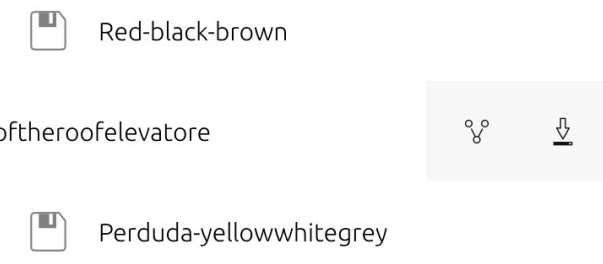
點擊下載圖示,我們將得到一個內容中心來 保存 遊戲檔 (這實際上是一個匯出)。
The game file is a file of type glksave. We will tell Content Hub that we are sending a file of type All (see the Install Page code).
ContentPeerPicker {
    anchors { fill: parent; topMargin: picker.header.height }
    visible: parent.visible
    showTitle: false
    contentType: ContentType.All
    handler: ContentHandler.Destination

    onPeerSelected: {
contentType is ContentType.All, so we will only see apps which are able to receive unmarked file types. handler is ContentHandler.Destination, so the app selected should store the saved game.
點擊檔案管理員,我們將保存在我們選擇的資料夾中來保存遊戲。
等一下。為什麼會有不同的應用程式?
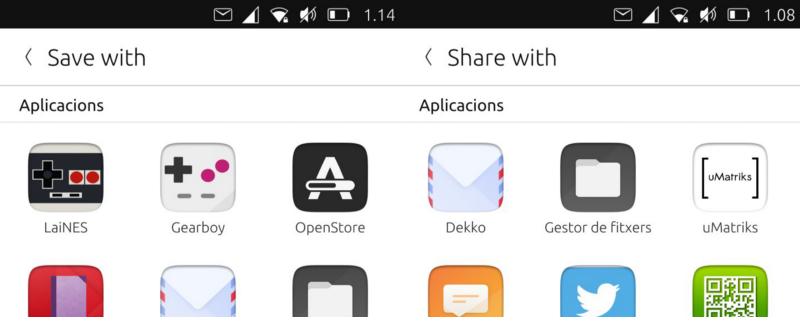
內容中心 : 匯出與分享
每個開發人員都可以決定每個應用程式與內容中心相關的規則。 為什麼將 OpenStore 顯示為導出目標?
我們來看看它的 manifest.json
"hooks": {
    "openstore": {
        "apparmor": "openstore/openstore.apparmor",
        "desktop": "openstore/openstore.desktop",
        "urls": "openstore/openstore.url-dispatcher",
        "content-hub": "openstore/openstore-contenthub.json"
    }
},
The above code defines that the hooks for the app named "openstore" in relation to the "content-hub" should follow the rules defined in openstore-contenthub.json
{
    "destination": [
        "all"
    ]
}
This means, the OpenStore will be the destination for all ContentTypes.
What about uMatriks? Let’s see its content-hub.json
{
    "destination": [
        "pictures",
        "documents",
        "videos",
        "contacts",
        "music"
    ],
    "share": [
        "pictures",
        "documents",
        "videos",
        "contacts",
        "music"
    ],
    "source": [
        "pictures",
        "documents",
        "videos",
        "contacts",
        "music"
    ]
}
So, with this example, uMatriks will be able to be the destination, source and share app for all kinds of ContentType.
What about the other hooks in the manifest.json? That is discussed in the next guide.